AI assistant
The KNX Clarity AI assistant is a chat interface backed by a
large language model hosted on AWS Bedrock in eu-central-1. It is
available from two places:
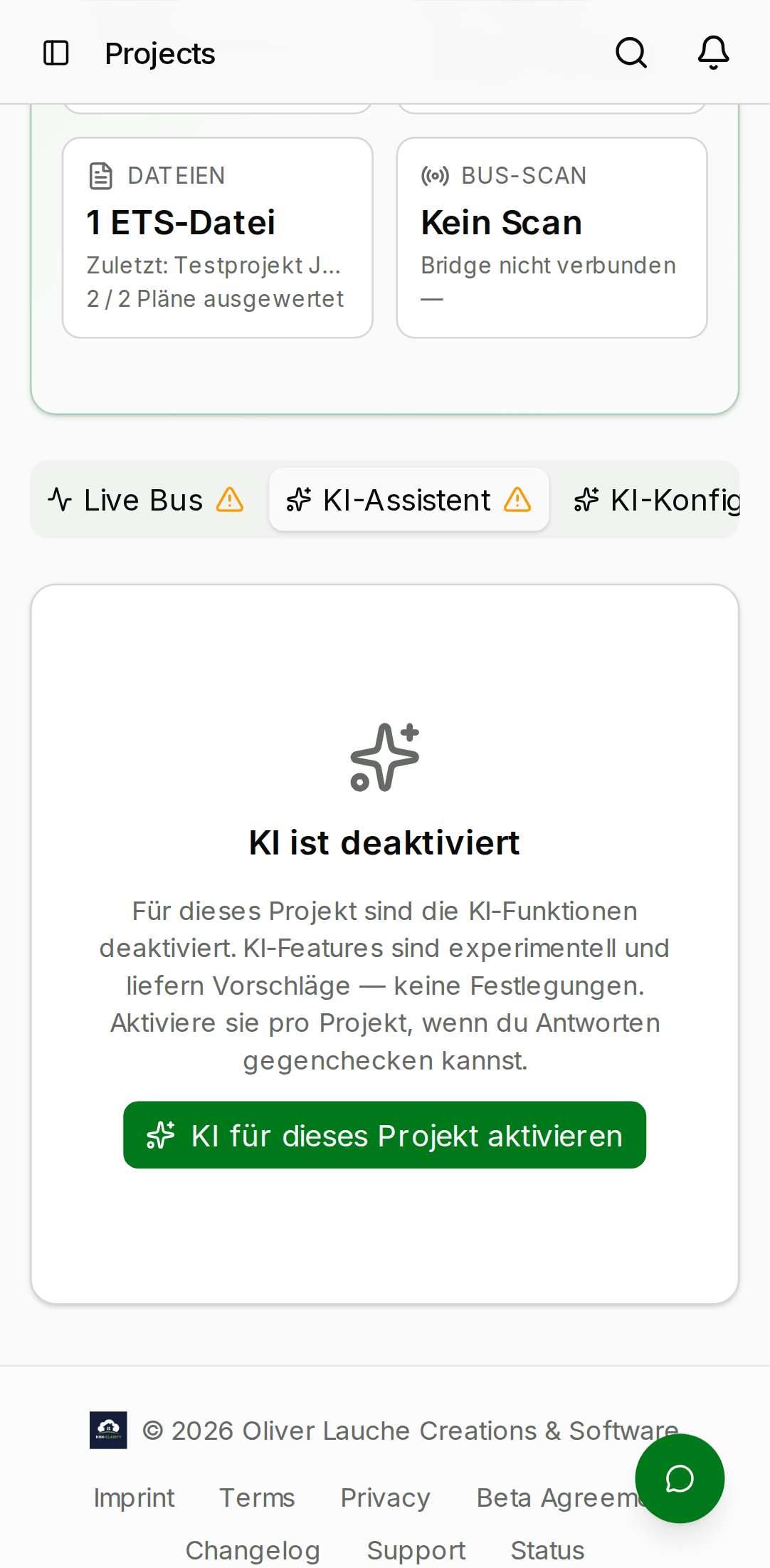
- Per-project chat — the "AI assistant" tab on every project detail. Messages here have access to the project's rooms, devices, group addresses, and recent service cases as context.
- Global chat — an org-wide floating button that opens a chat without any project context. Useful for KNX reference questions that don't belong to a specific building.
- Desktop
- Mobile

What it can do well
- Explain KNX concepts — "What does DPT_9.001 mean?", "How does a main/middle/sub group address work?".
- Summarise your project — "How many devices are in the kitchen?", "Which rooms have no dimmers?".
- Surface recent activity — "What changed in the last week?", "Which service cases are still open?".
- Draft technical copy — commissioning notes, handover documents, customer-facing explanations.
What it is not good at
- Writing ETS XML — it will happily produce XML that looks right but won't round-trip through ETS. Don't paste its output into your ETS project.
- Live device state — the assistant has no connection to the KNX bus. It can tell you a device exists in the parsed export; it cannot tell you whether the device is currently on.
- Guaranteed facts — like any LLM, it can hallucinate. Verify anything that would cost you a truck roll.
Privacy
- Klara conversations are saved server-side as threads, visible only to their author (owner-based authorization — nobody else in your org, including admins, can read them). The panel's history view lists your conversations; resuming one restores it, and deleting one removes the thread and its messages permanently. Deleting your account removes all of them (GDPR erasure), and the data export includes them. The per-project AI tab still keeps its conversation in memory for the open page only.
- The message content is sent to AWS Bedrock in the eu-central-1 region. It is not sent to OpenAI or any US-hosted service.
- The default beta model is Amazon Nova Pro while we wait for Claude access in eu-central-1; messages are not used to retrain the model.
- Write actions the assistant proposes are recorded in your org's audit log when you confirm them — the conversation itself is not.
See the Privacy page inside the web app (knx-clarity.com/privacy) for the full data-processing statement.
Rate limits
Several independent limits protect the service (defaults; all operator-tunable):
- 30 messages per minute per user and 200 per minute per org — a short-window brake against runaway clients.
- Monthly plan quotas — both a message count and an AI token budget per organization, by plan tier. Either running out pauses the assistant until the next month or an upgrade.
- 4,000 characters per message — longer messages are refused with a hint to shorten (older history is truncated silently).
- Only the last 20 turns of a conversation are replayed to the model, so very long chats don't grow the per-message cost.
- A long multi-tool turn is time-boxed (~22 s): the assistant returns what it has with a note that some tool steps were skipped, instead of timing out with a gateway error.
- Spoken answers (Klara's voice) are limited to 20 syntheses per minute per user.
If you hit a limit the assistant tells you in the chat itself.
Providing project context
The per-project chat automatically injects a compact summary of the project (name, customer, device count, room list, recent activity) into the system prompt at the start of every conversation. You don't need to copy-paste this yourself.
If you want the assistant to focus on a specific subset, just tell it in the first message:
"Only answer questions about the dimmers in this project. Ignore every other device."
The assistant respects that for the rest of the conversation.
Providing feedback
Below every assistant response you'll see a 👍 / 👎 pair. These are anonymous — we log the message id and the thumbs direction, but not the content — and they feed our beta-period model tuning work. Please use them liberally: they're the single highest signal on what's working and what isn't.