What is KNX Clarity?
KNX Clarity is a collaboration platform for everyone working on a KNX smart-building installation — system integrators, building owners, service technicians, and the teams around them. It replaces the traditional "USB stick full of ETS backups on the electrician's laptop" workflow with a shared, versioned, auditable project home.
Who it is for
- System integrators — manage every building you have ever commissioned in one place. Hand over a project cleanly when a customer changes service provider, and pick one up cleanly when a new customer walks in with an inherited installation.
- Building owners — see the devices, group addresses, and recent service history for the building you own, without having to log into anyone's laptop.
- Service technicians — pick up a ticket, read the latest ETS export, leave a comment, and close the case from a browser on site.
What you can do
- Upload and version ETS project files (
.knxproj) with per-version comments and a parsed view of rooms, devices, functions, and group addresses. - Track tickets (service cases) against a project with priorities, assignees, a status workflow, and comment threads — plus maintenance schedules that open a ticket automatically when a service interval falls due.
- Give building owners their own customer portal ("Mein Zuhause"): milestones, documents, and a room-by-room device dossier (the Hausakte), with a channel to raise requests.
- Invite customers and team members into an organisation with scoped roles, all under one Kunden & Team surface.
- Hand a project between organisations through the escrow and transfer flows when ownership changes, and generate a printable handover protocol.
- Pass overflow work to other integrators — or pick up external jobs — on the marketplace, with bids and mutual reputation.
- Stream live KNX bus telemetry into the browser through an optional, read-only bridge agent.
- Browse a catalog of KNX manufacturers and products, and ask an AI assistant about your project, your devices, or KNX concepts.
- Integrate with the outside world through outbound webhooks and a REST API on the higher plans, and manage your subscription under Settings → Billing.
What KNX Clarity is not
KNX Clarity does not replace ETS: you still design, program, and commission your installation in ETS, then bring the project here to version, document, and collaborate on it. The optional bridge streams live bus telemetry read-only for monitoring — it never commissions devices or writes to the bus. Think of KNX Clarity as the collaboration, documentation, and hand-over layer that sits next to ETS, not under it.
- Desktop
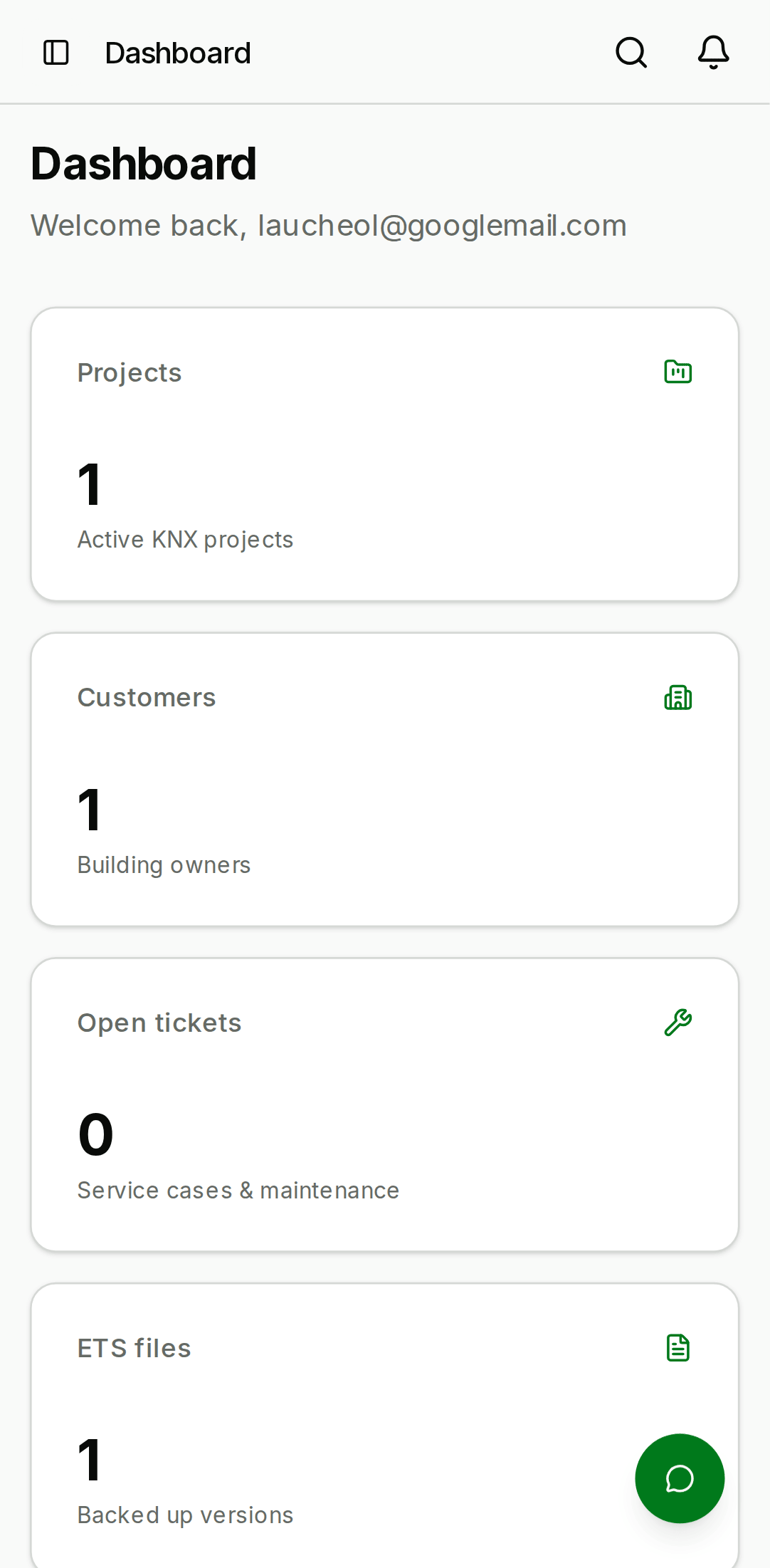
- Mobile

Where to go next
- New to the platform? Start with Getting started.
- Want a tour of a specific area? Jump straight to Projects, Service cases, or the AI assistant.
- Building an integration? See the Developer guide.
KNX Clarity is in public beta. Features ship behind a "BETA" banner in the app and are documented here the moment they are available in the staging environment. If a page in this guide references something you cannot see in your account, it is either locked behind a role you don't have, or not yet rolled out to your organisation — both cases are safe to surface via the in-app feedback link.