Service cases
A service case is KNX Clarity's word for a ticket; the sidebar entry is labelled Tickets. Every case belongs to a project, has a priority, a status, an optional assignee, and an unlimited thread of comments. Use cases for commissioning punch lists, post-handover warranty issues, routine maintenance, and anything else a technician would normally track on a sticky note.
- Desktop
- Mobile

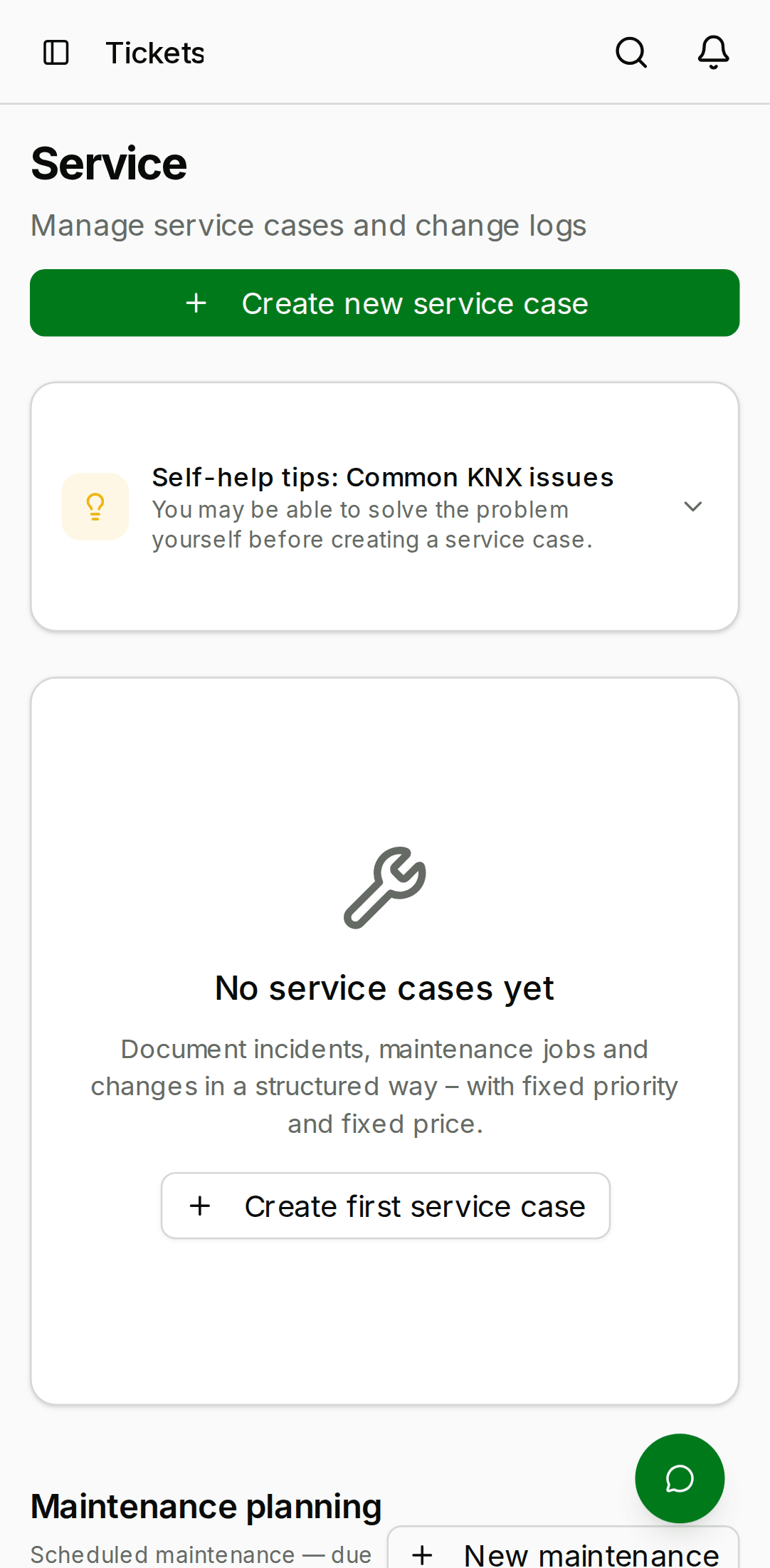
Where cases live
- Tickets in the sidebar shows every case across every project in the organisation as a filterable list — your daily "what's on my plate" view. Filter by project to focus on one building.
- On a project itself, the To-Do and Wartung (Maintenance) tabs cover project-level tasks and scheduled maintenance; there is no per-project "service cases" tab.
The Tickets list supports filters for status, priority, assignee, and project, plus free-text search across title and description.
Fields
| Field | Values |
|---|---|
| Title | Required, free text, short. |
| Description | Optional, free text, long. |
| Priority | low, medium, high, critical |
| Status | open, in_progress, resolved, closed |
| Assignee | Any member of the project's org, or unassigned. |
| Project | Required. Cannot be changed after creation. |
Creating a case
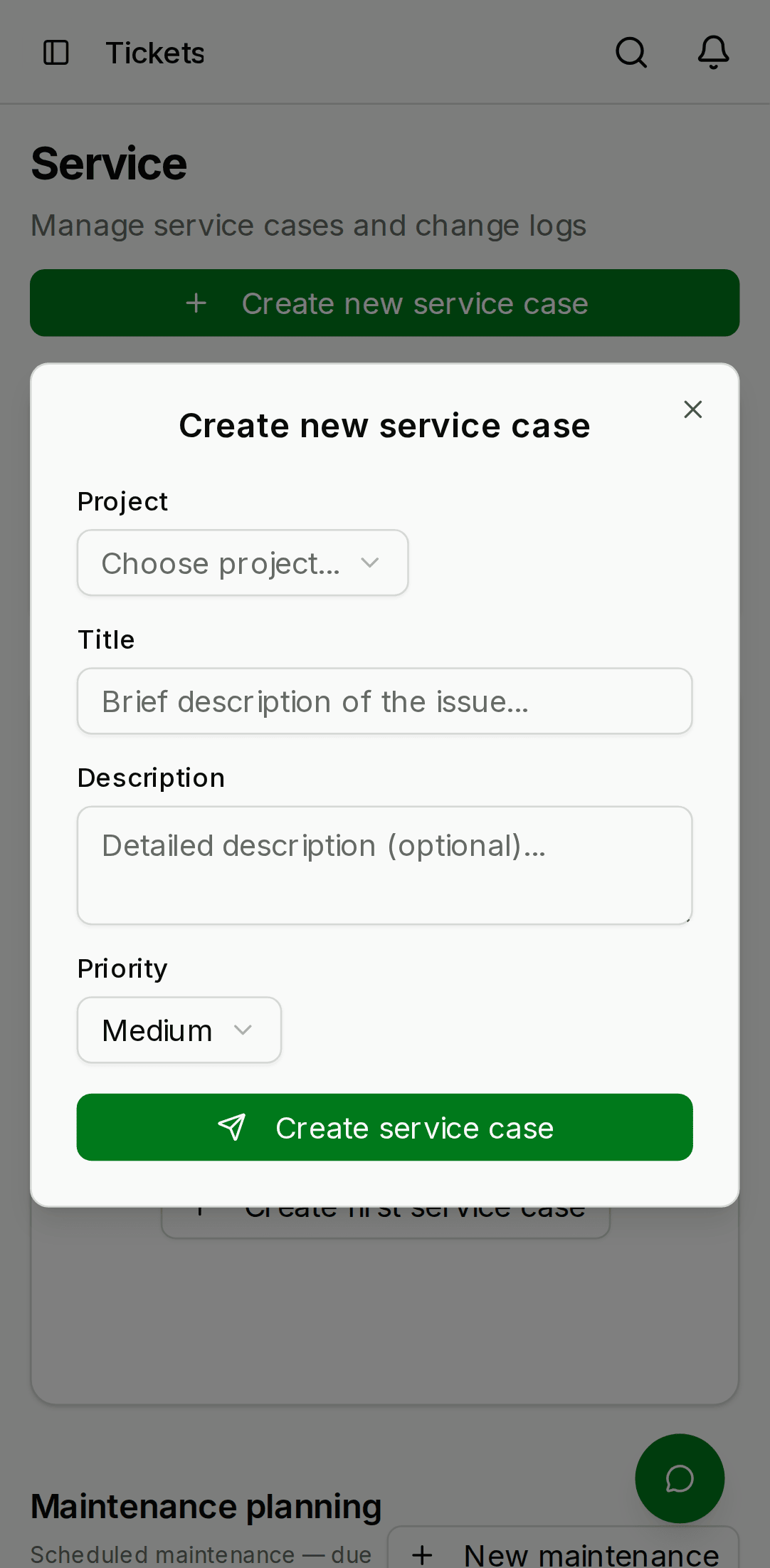
From the Tickets list, click New case in the top-right:
- Pick the project the case belongs to.
- Fill in title, description, priority, and optionally an assignee.
- Click Create.
- Desktop
- Mobile

Lifecycle
open— the case has been created but nobody is working on it yet.in_progress— someone has taken it on. Typically set when an assignee accepts the case.resolved— the technician believes the work is done. The case is waiting for customer confirmation or internal sign-off.closed— the case is fully done and will not be touched again.
You can reopen a closed or resolved case at any time from
the ⋮ menu. Reopening moves it back to in_progress and posts
an automated comment in the thread.
Assigning
Click the assignee pill in the case header to open a picker of eligible members. You can assign:
- any
adminortechnicianin the project's org - any
servicerole member (they see it in their filtered view)
Clearing the assignee is allowed — the case goes back to "unassigned" and anyone can pick it up.
Comment thread
The bottom half of the case detail is a chronological comment thread. Everyone with read access to the case can comment. Comments support:
- Plain text (markdown is not rendered)
- Mentions with
@name— KNX Clarity expands the mention to the member name and sends a notification to that user - Inline image attachments via paste — paste a clipboard image and it's uploaded, stored in S3, and embedded into the comment
There is no comment edit or delete in the public beta. If you make a typo, post a correction below; this keeps the audit trail tamper-evident.
SLA and priority
The priority flag is free-form today — there is no automatic SLA timer attached to any priority level. Use it as a visual sort key and a team convention:
critical— building is down, customer is waiting, drop what you're doing.high— pick up today.medium— within the week.low— when there's time.
Automatic SLA tracking (start clock on open, stop on resolved,
alert if exceeded) is on the post-beta roadmap.
Notifications
By default the following service events trigger a notification:
- You are assigned a case.
- Someone mentions you in a case comment.
- A case you created moves to
resolvedorclosed.
See Settings → Notifications to turn individual events off.