Escrow & transfers
Real-world KNX installations outlive the integrator who commissioned them. When a building owner changes service provider, or when an integrator sells a portfolio of customers to another company, the project needs to move cleanly between KNX Clarity organisations without losing history or surprising the customer.
KNX Clarity splits this into two flows:
- Escrow — a project is parked in a neutral state. Nobody can mutate it while it's in escrow. Use this during the handover negotiation.
- Transfers — a directed, auditable move of a project from one organisation to another. The destination org must accept.
When to use which
In practice: put the project in escrow, then fill in the transfer form pointing at the destination org. If the destination declines, the project goes back to escrow in your org; you can pull it out of escrow at any time.
Escrow
Putting a project in escrow
From the project detail, use the status dropdown in the top-right and pick Escrow. A confirmation step explains what happens before the change takes effect:
- The project moves to status
escrow. - All write operations are blocked for every member of the current org (including admins).
- Pending service cases are paused; technicians can still see them but not add comments.
- ETS downloads are still allowed, so the source org can keep a copy of everything.
Releasing from escrow
If the handover negotiation falls through, click the status dropdown again and pick Active. The project returns to normal. Nothing was lost.
Escrow records
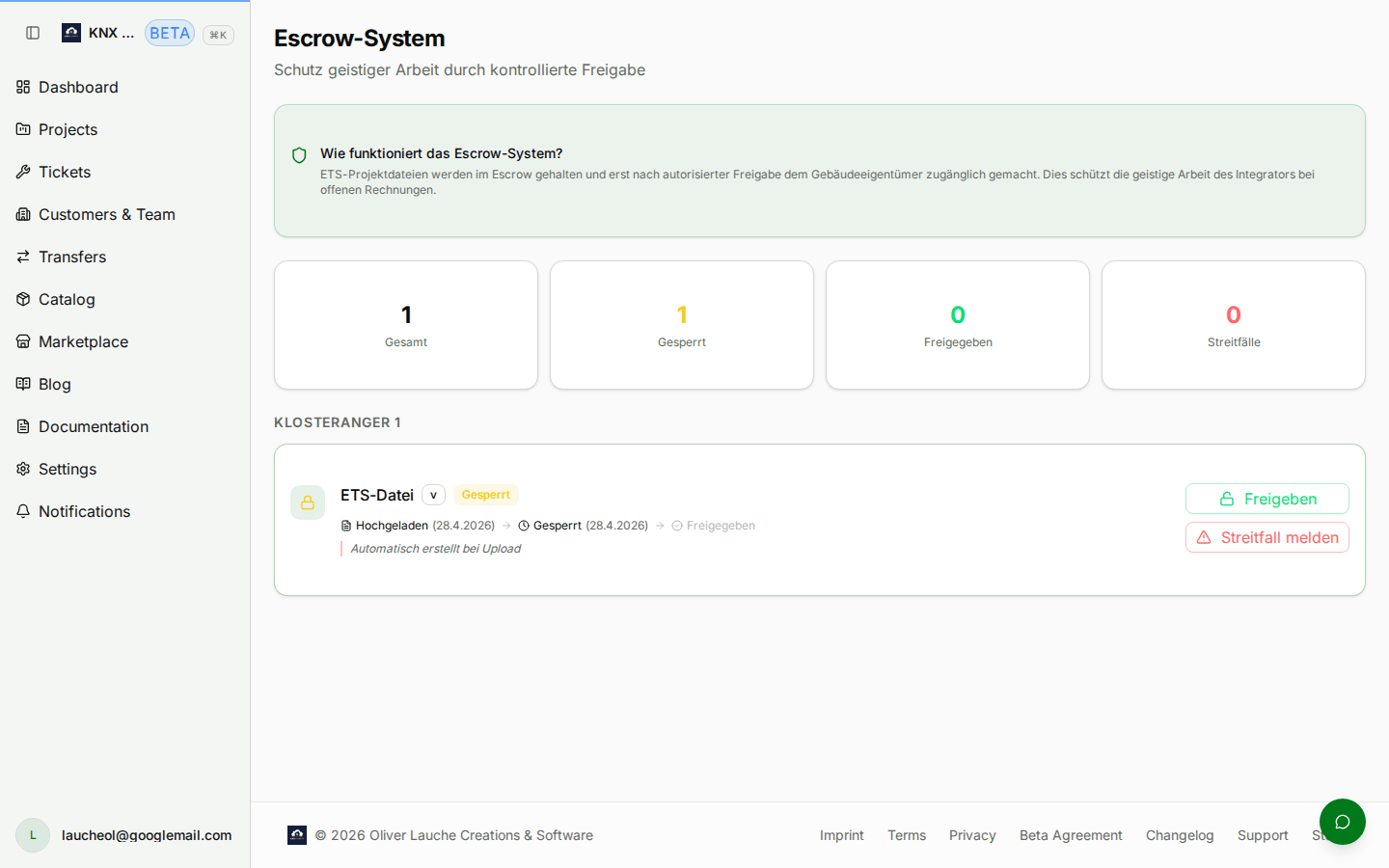
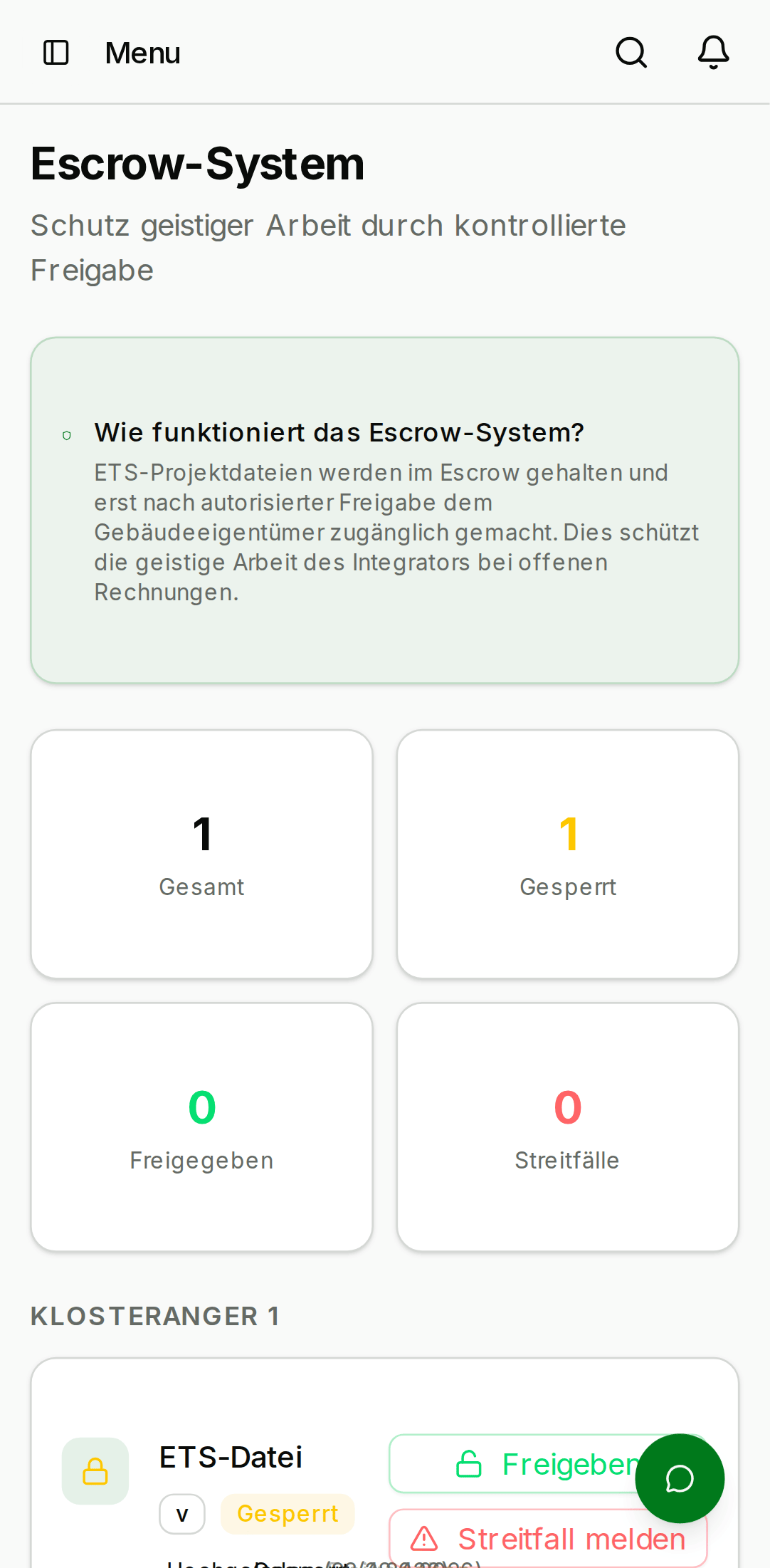
Escrow no longer has its own sidebar entry — it is managed from the
project it belongs to. Moving a project to escrow status surfaces
its escrow actions (Release / Dispute) on the project detail, and the
escrow overview at /escrow still lists every escrow record touching
your org (for example, a project someone is transferring to you).
Use it as your "pending handover" inbox.
- Desktop
- Mobile
Transfers
Initiating a transfer
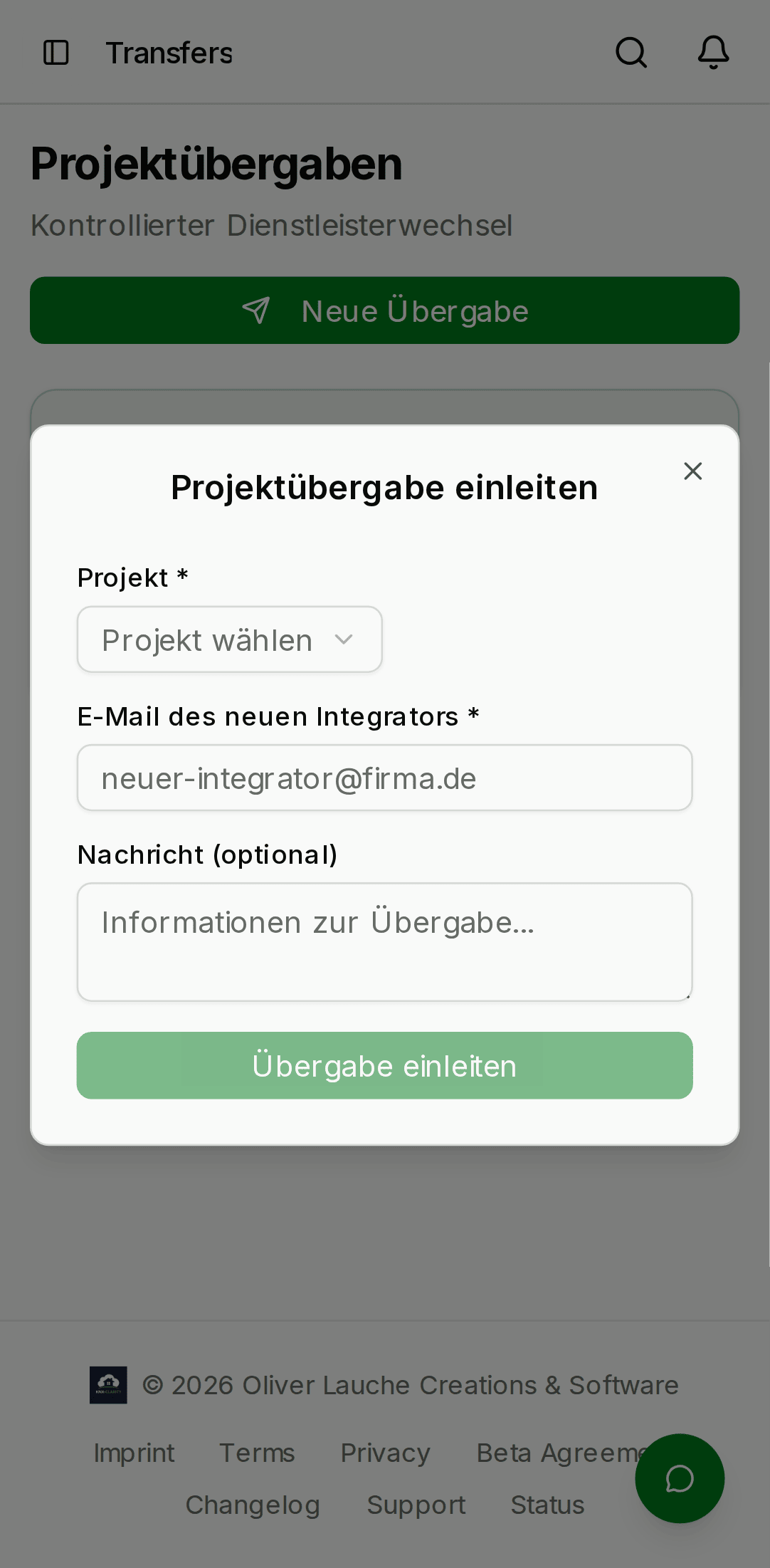
From an escrowed project, click ⋮ → Initiate transfer. The dialog asks for:
- Destination organisation — an org name. The org does not have to be in your contacts; KNX Clarity does a name search across the platform.
- Contact email — the email of an
adminat the destination org. Used for the notification only. - Reason / notes — free text shown to the destination org.
- Desktop
- Mobile

When you submit, KNX Clarity:
- Creates a
transferRequestsrow withfromOrgId,toOrgId,projectId, andstatus = pending. - Emails every
adminof the destination org. - Moves the project status from
escrowtotransferring.
Accepting or declining
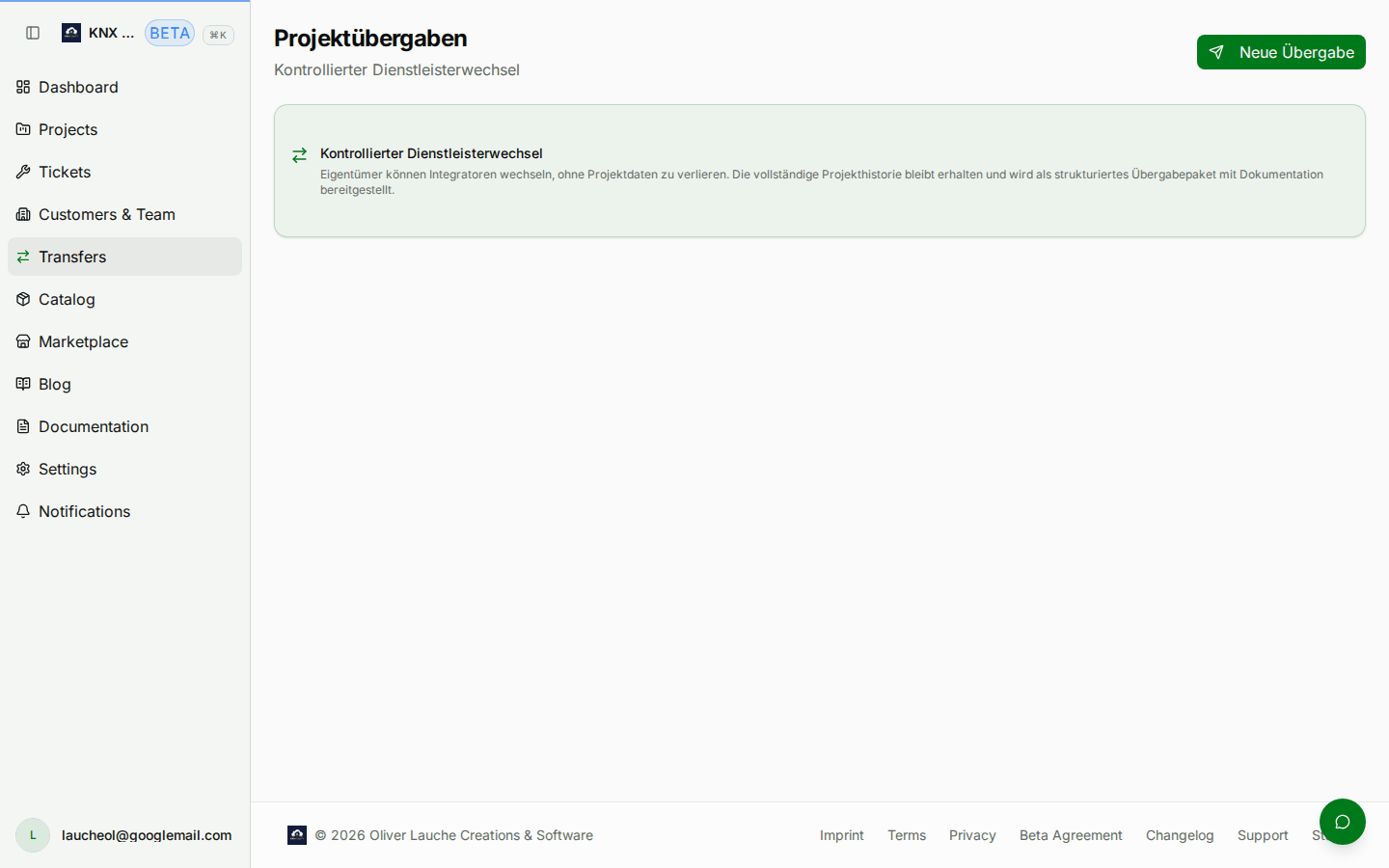
An admin of the destination org sees the pending request on their Transfers page. They can:
- Accept — the project's
orgIdis rewritten to the destination org, every child row (rooms,devices,serviceCases, …) follows. The source org loses access. - Decline — the project returns to
escrowin the source org, with a comment explaining why.
Both actions are one-way and are written to the audit log of both organisations.
- Desktop
- Mobile
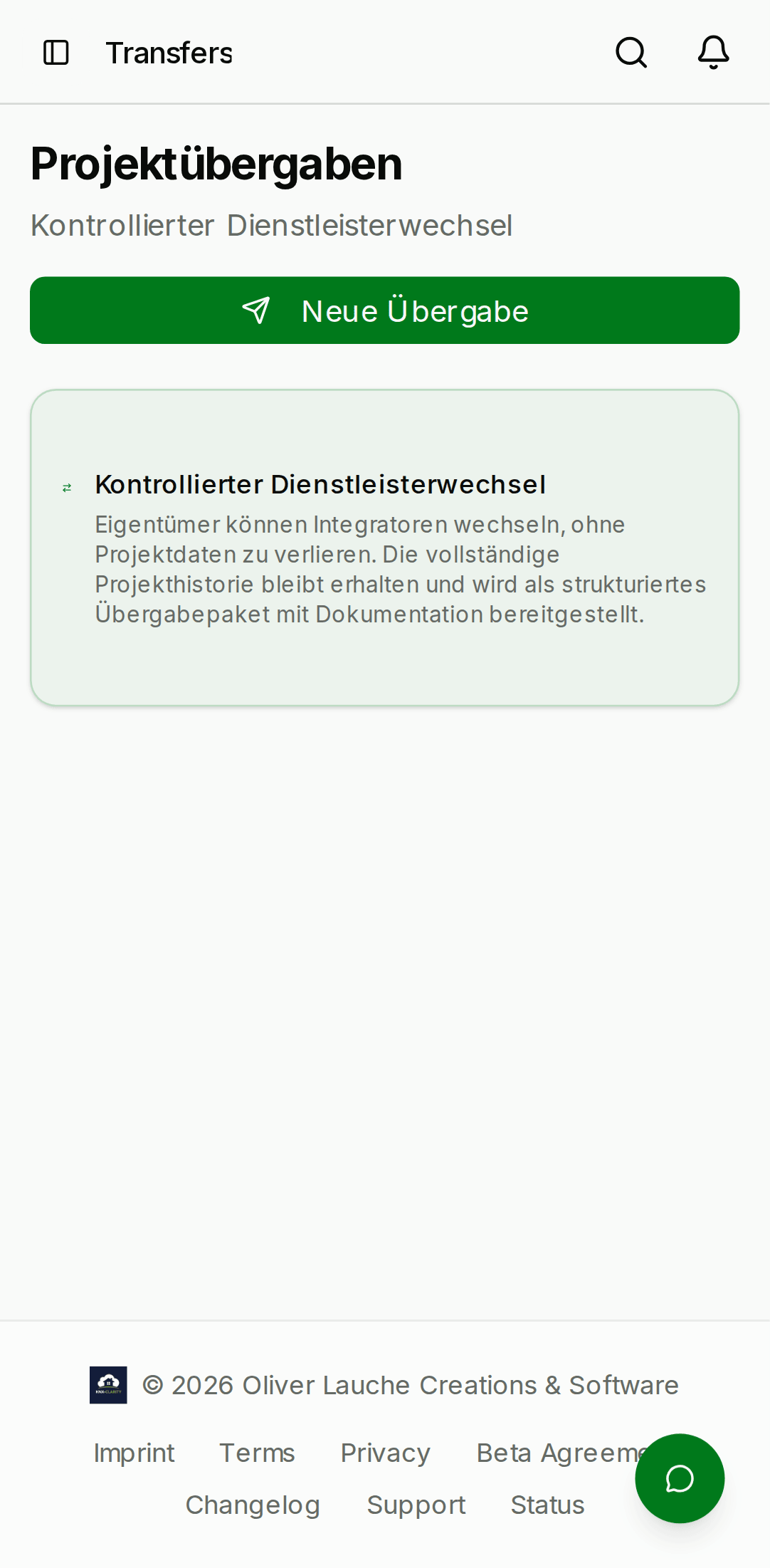
What moves and what doesn't
When a transfer is accepted:
- ✅ Project row, customer link (unchanged), rooms, devices, group addresses, ETS versions, service cases, comments, project activities — all rewritten to the destination org.
- ❌ Members are not moved. The destination org's existing members inherit access via their existing member roles.
- ❌ Notifications are not migrated. Old notifications in the source org still reference the project but clicking them will return a 404 once the transfer completes.
Why you can't skip escrow
Transfers require a project to be in escrow before the
transfer form can be submitted. This is deliberate:
- It gives both orgs a chance to freeze the state.
- It surfaces the intent in the source org's audit log so that the customer can see what's happening.
- It stops anyone from accidentally pushing a live project into a transfer by mis-clicking.
Beta limitations
- Rolling back a completed transfer requires support involvement; there is no self-service "undo" in the current beta.
- Bulk transfers (move 10 projects at once) are not supported.
- Cross-region transfers are disabled — both orgs must live in the same KNX Clarity region.